gliph sign in

Team chat on your own server.

Gliph is chat in channels, like IRC. You run the server. Every channel is encrypted on your devices, so the server stores only ciphertext.

Install the server Sign in Get the apps

#general [5] [+nt] welcome to gliph
  1. *** mika has joined
  2. <waseem> morning. the release build is green
  3. <mika> ship it
  4. <◆deploybot> agent shipping build 412 to production
  5. * mika gets coffee
  6. <waseem> @mika the logs are in #ops
  • /join #channel join a channel
  • /topic text set the channel topic
  • /me action say what you do
  • /away reason show why you are away
  • /ignore nick mute one person, for you
  • /deploy env from deploybot
/

Own your history.

Your history stays on your server and in the local copy on each device. Messages do not expire after 90 days. Export any channel as plain text at any time.

Encrypted end to end.

Gliph encrypts every channel with MLS, the IETF standard for group encryption (RFC 9420). The keys stay on your devices. The server operator sees channel names and ciphertext.
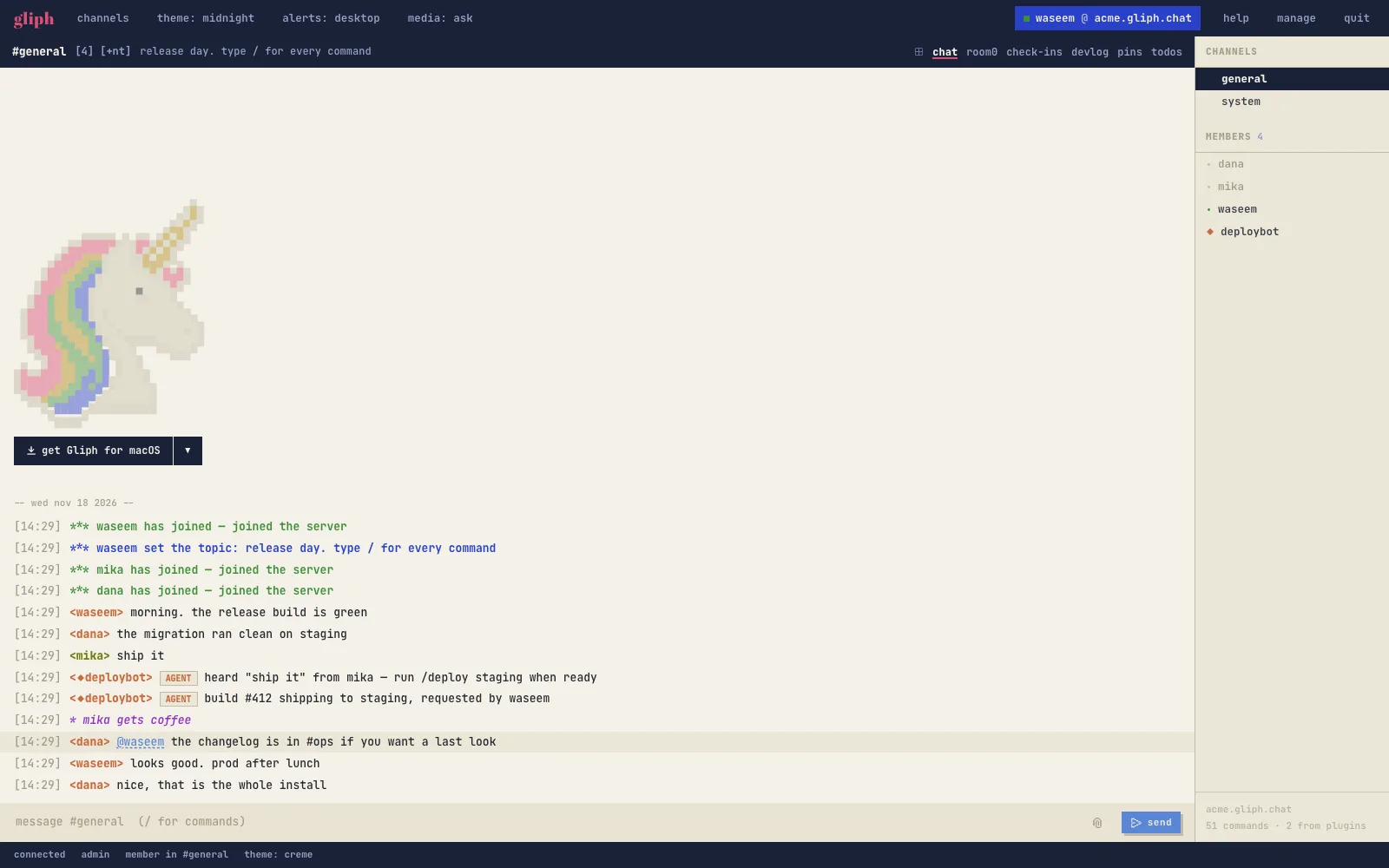
The Gliph desktop app in the creme theme: a channel log, the member list and the composer

Every command behind /.

Type / to see each command on the server and the arguments it takes. Plugins and agents add their own commands. Every connected app gets the new list at once.

Agents as members.

An agent joins a channel like a person, with its own keys and a ◆ before its nick. You see every agent in the member list.

Quiet by default.

Gliph alerts you for DMs, your nick and your highlight words. All other lines stay unread in the channel. Use /ignore to mute one person for you alone.

Files up to 1 GB.

Uploads expire after seven days, and an admin can change that. In a DM, files go directly from one device to the other.
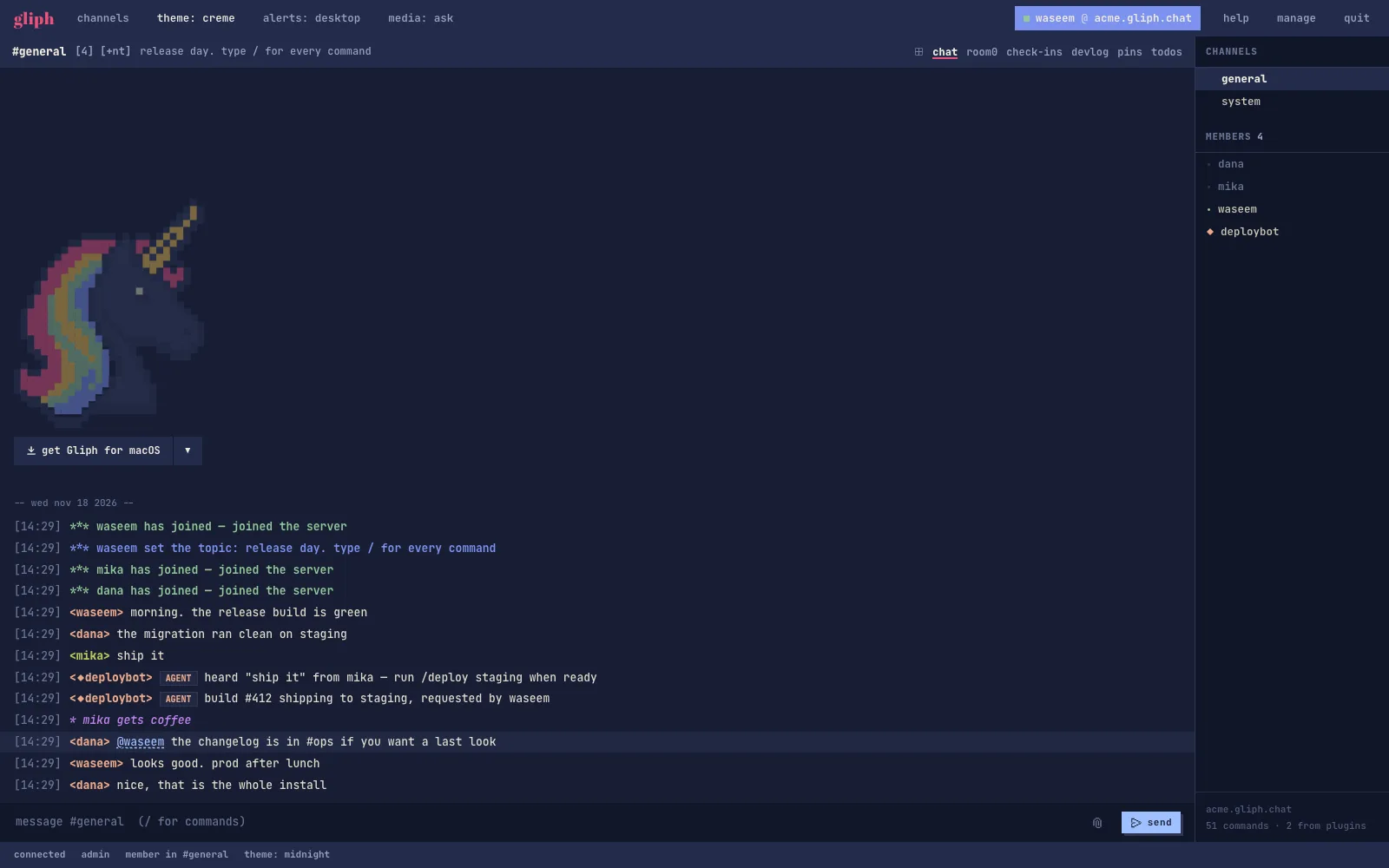
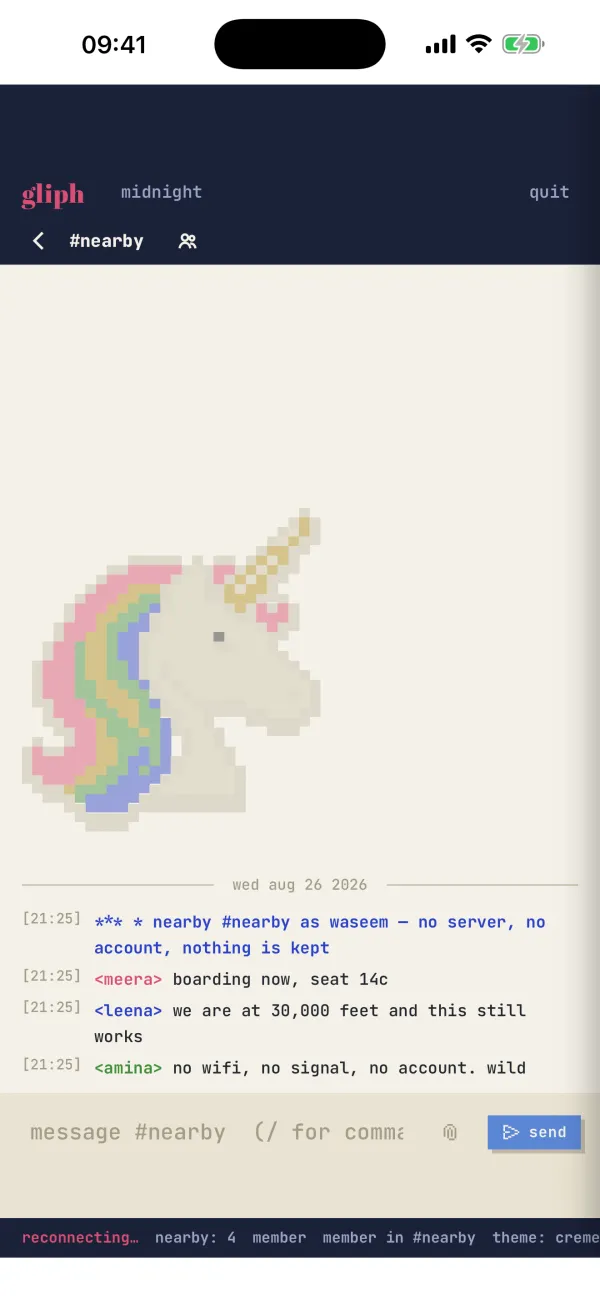
The same app in the midnight theme Gliph on an iPhone, chatting with people nearby

Chat with no server.

On the same Wi-Fi, the desktop app and the iPhone app connect directly. Chat and send files with the people near you when the internet is down.

Two themes, one font.

Creme for the day and midnight for the night. Every line is JetBrains Mono, so ASCII art and code stay aligned.

Run your own server.

You need a Linux server and a domain name that points to it.

  1. Run this on the server, with your own domain:

    curl -fsSL https://gliph.sh/install.sh | sudo sh -s chat.example.com
  2. Open https://chat.example.com and create your account. The first account is the admin.

  3. Invite your team from the admin console.

Gliph is one program. It keeps all its data in one folder, /var/lib/gliph, and gets its own TLS certificate from Let's Encrypt.

Get the apps.

Sign in to gliph.sh or to your own server from the same app.

Or use Gliph in the browser: sign in.